Free on the App Store

See it, scan it, speak it — Lucideck helps you learn it.

Lucideck turns photos, screenshots, and spoken phrases into flashcards.

Download on the App Store
Free to download No account needed
Three ways in

Feed Lucideck a photo, your entire camera roll, or just say something out loud.

Lucideck detects the language, translates it, and creates a flashcard — so it actually sticks.

01

Scan a photo

Any photo with foreign text. The app reads it, translates it, and makes a card.

02

Auto-scan your camera roll

Turns the hundreds of language-related photos you've already saved into a ready deck.

03

Dictate a phrase

Say something you heard. The app transcribes and translates it.

§ About Lucideck study modes

Lucideck takes the language material you're already coming across — screenshots from apps, photos of menus, subtitles from shows, phrases you hear in conversation — and turns it into flashcards you can actually study. For a lot of people that starts with the pile of language-app screenshots sitting in their camera roll right now. The content comes from your life, so the words you learn are the ones you're already running into.

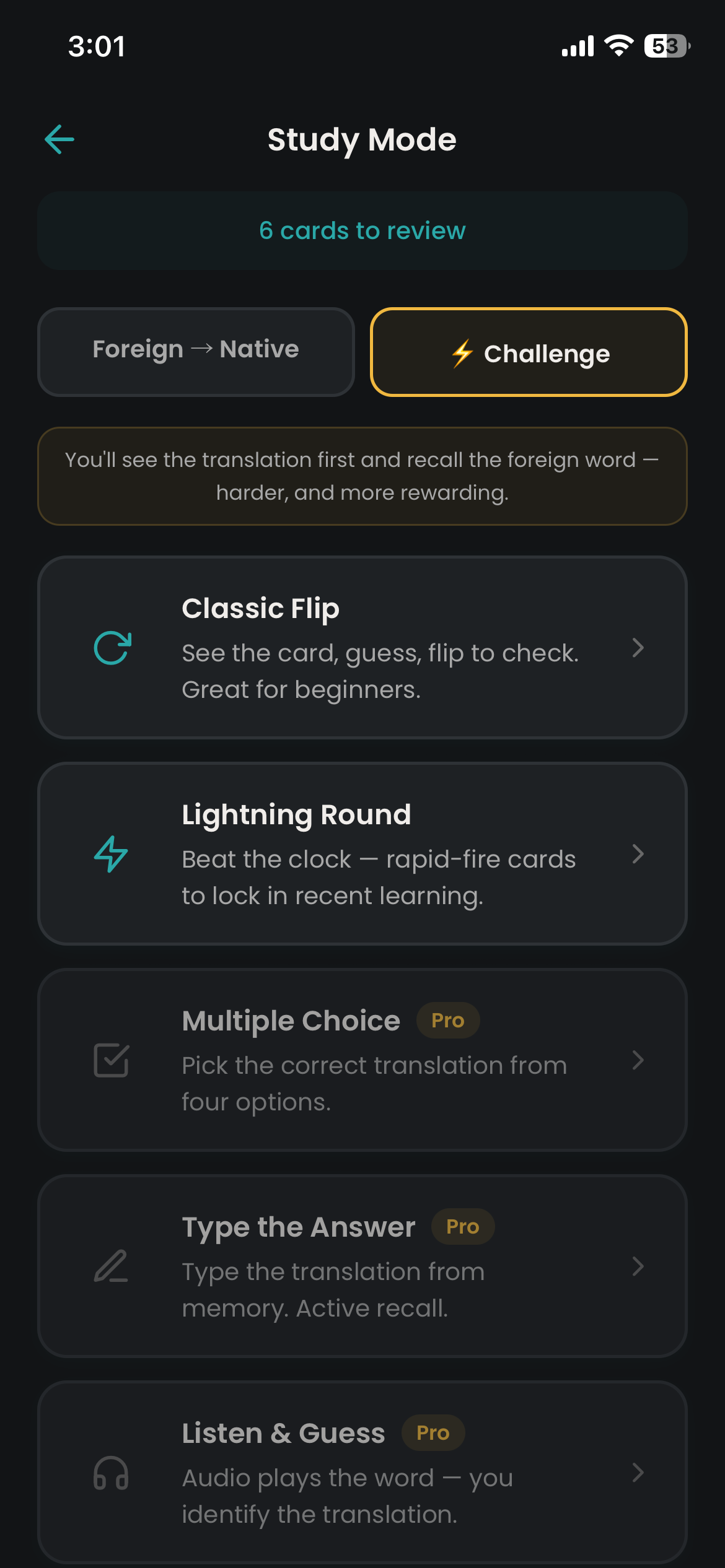
Spaced repetition handles the scheduling. Five study modes when you're ready to drill. Exportable. Free to use.


The study side

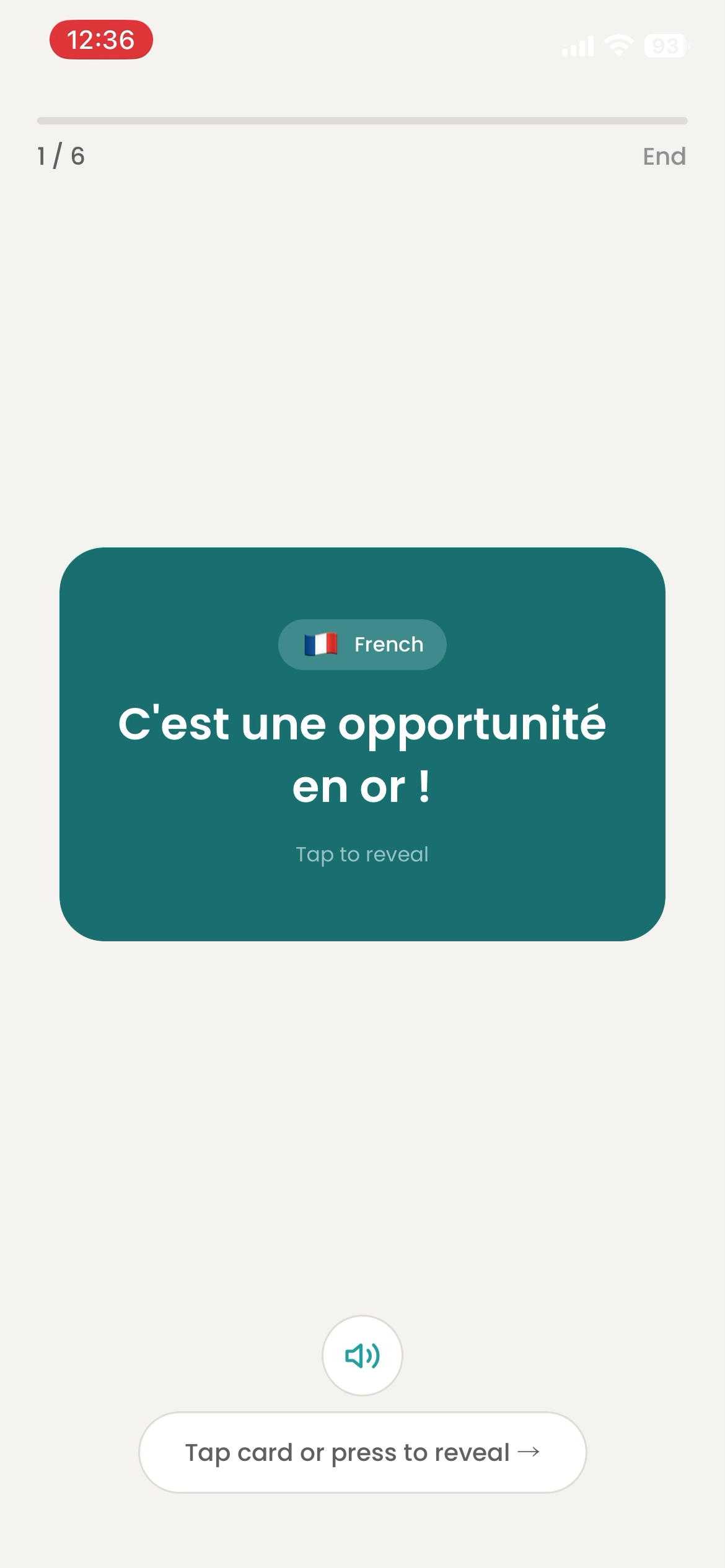
Forget a card and it comes back sooner. Know it and it pushes further out.

Lucideck schedules every card with SM-2 — the proven spaced-repetition algorithm. Rate each card Again, Hard, Good, or Easy, and the interval adjusts.

  • Five study modes — Classic, Lightning Round, Multiple Choice, Type the Answer, Listen & Guess.
  • Export to Anki, CSV, or JSON — your cards belong to you.
  • On-device OCR — photos never leave your phone.
  • Offline study — works without a connection once cards are created.
Who it's for

If any of this sounds familiar, Lucideck was built for you.

Get started

Get Lucideck — free on the App Store.

Available now on iPhone.

Lucideck app icon Download on the App Store

Available now on iOS